

When something has stopped working, we find the cause and fix it
We find and fix faults on websites, webshops and e-mail for businesses in Norway, also when others built them, and explain afterwards what was wrong.
Sites we have fixed
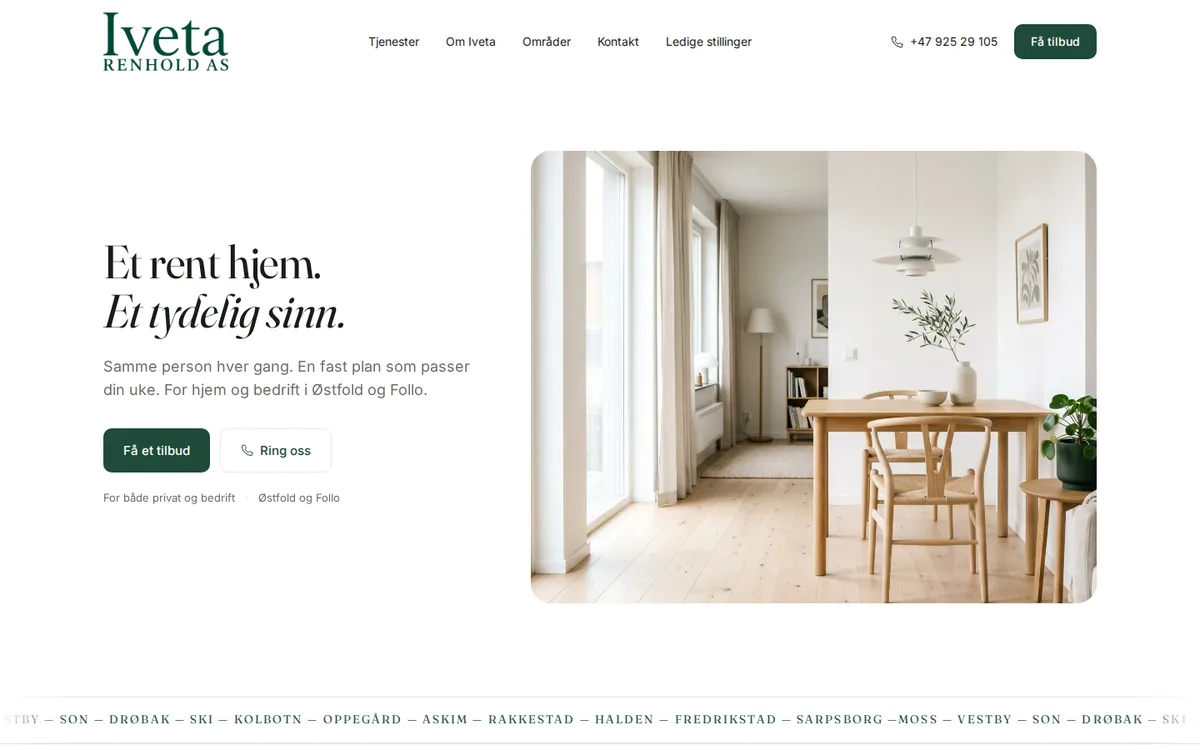
Iveta Renhold
Cleaning company website with a recruitment page and spam-protected forms.
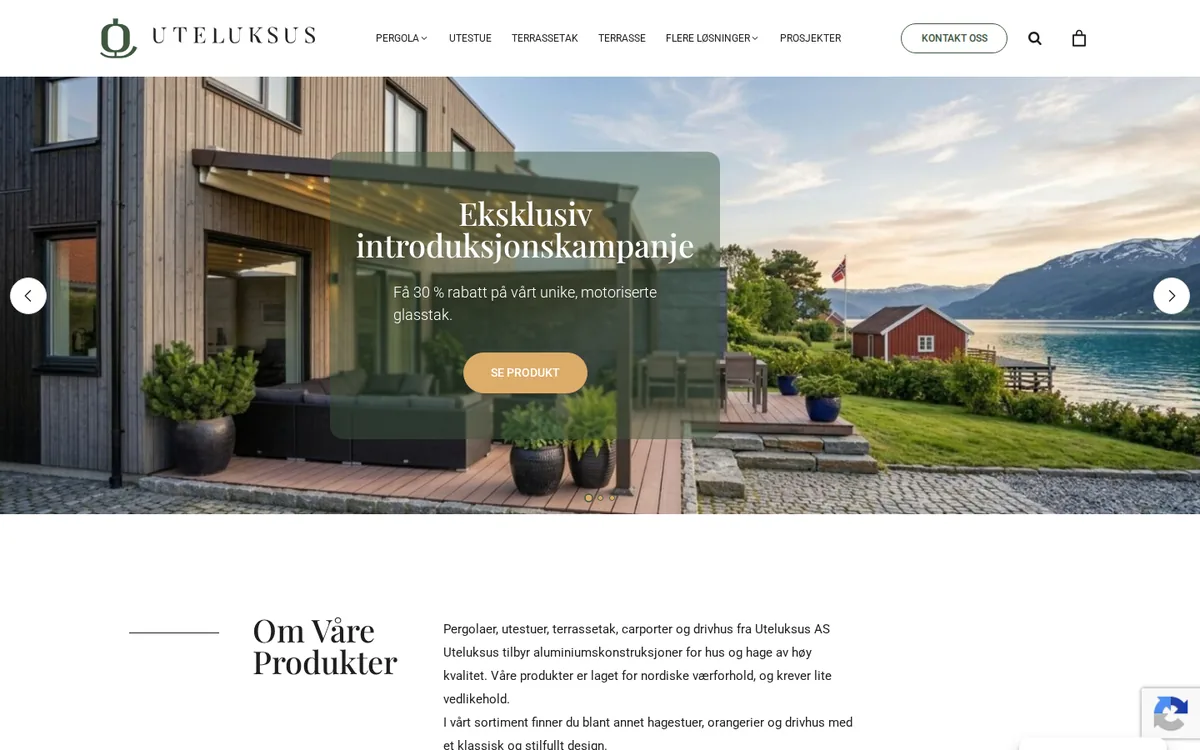
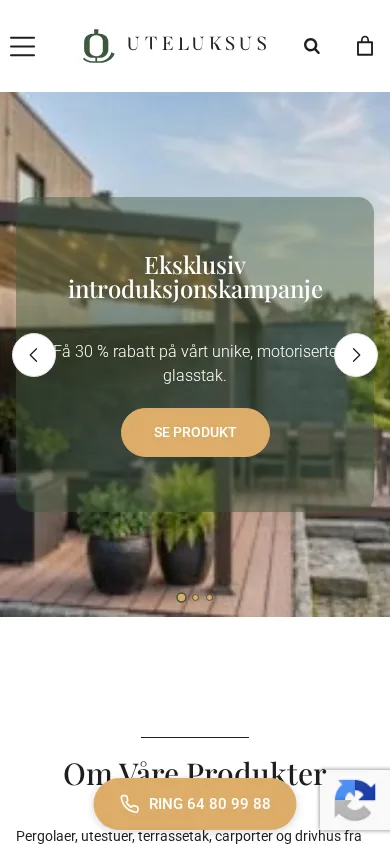
Uteluksus
The gallery page went from 26 MB to 3.3 MB — measured by us on 1 September 2026.

How we handle a fault
You describe what is happening
“Customers can’t pay” is enough, and you get an answer with what it probably is.
We take a copy and fix the fault
The site is copied first, then we fix the cause itself and test like a real customer.
You get the explanation
What was wrong, what was changed, and what you should do next.
What we do
We find the real cause
We reproduce the fault and find what is actually wrong, instead of putting a new patch on top of the old one. Most often it is an add-on clashing with another, an update that went wrong, a setting at the hosting company or a security certificate that has expired.
Hacked sites
We clean up what the intruder left behind, close the way they got in, change passwords and ask Google to check the site again.
Checkout, forms and e-mail
Unpaid orders, declined cards and forms that never arrive: we follow the enquiry to the inbox and fix the link that fails. See webshops.
A short explanation afterwards
You learn what was wrong, what we changed and what stops it from happening again. See also operations and maintenance.
Questions we often get
What does “There has been a critical error on this website” mean?
It means WordPress has stopped because something is failing, most often an add-on or a theme after an update. The site is usually not broken for good. The guide to the white screen shows what you can check yourself.
Can you help even if you did not build the website?
Yes. Most of what we fix was built by others. We need a login to the site and preferably to the hosting account, and we take a backup before we change anything.
What do I do if the website has been hacked?
Do not delete anything in a panic, and do not pay anyone who demands money. Take a copy of the site as it is, change the passwords and find out how they got in, because the way in usually stays open even if you remove what you can see. Ask Google to remove the junk pages afterwards.
Why does the e-mail from the contact form not arrive?
Most often because the website sends e-mail in your name without your domain having given permission. The receiver thinks it is forged and puts it in spam. This guide explains how to fix it.
How fast can you help?
We look first at enquiries marked “stopping the business”. How quickly the fault is solved depends on the cause. You will know once we have looked at it.
What has stopped working?
Describe it briefly, and say so if it is stopping the business. You get an answer with what we think it is, and what it takes to fix.