

Website operations and maintenance, so it simply works
We update, back up and look after your website or webshop, including WordPress sites we did not build, so it simply works.
Sites we run and maintain
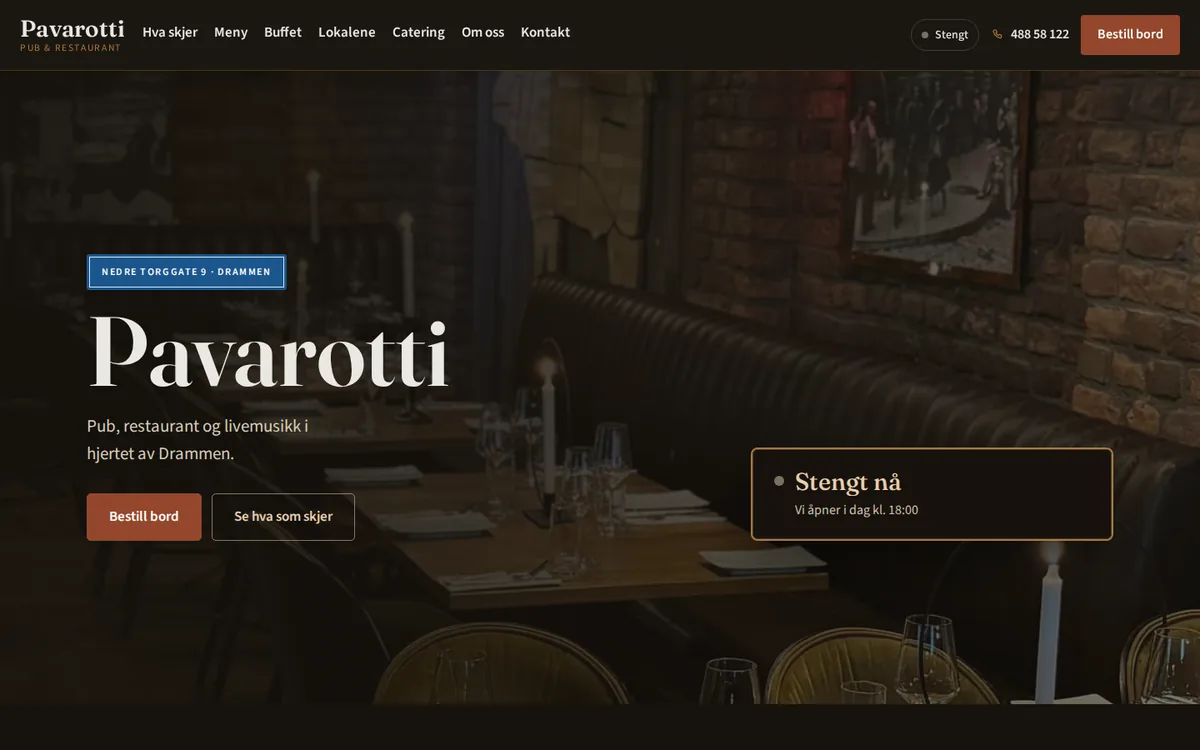
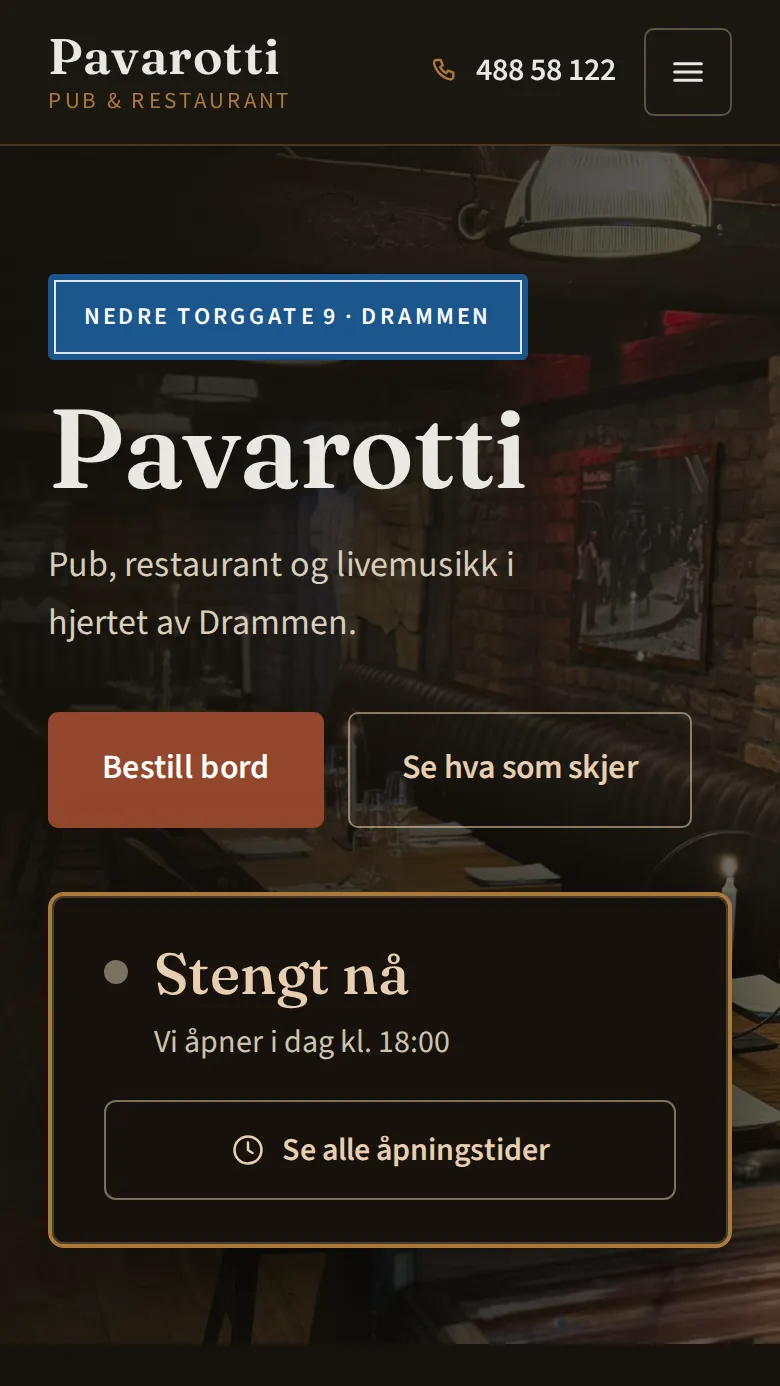
Pavarotti Pub
Buffet and Christmas-party booking that follows the kitchen’s hours — approved by staff before the guest is answered.
See the website of Pavarotti Pub (opens in a new tab)Read about the project Pavarotti Pub
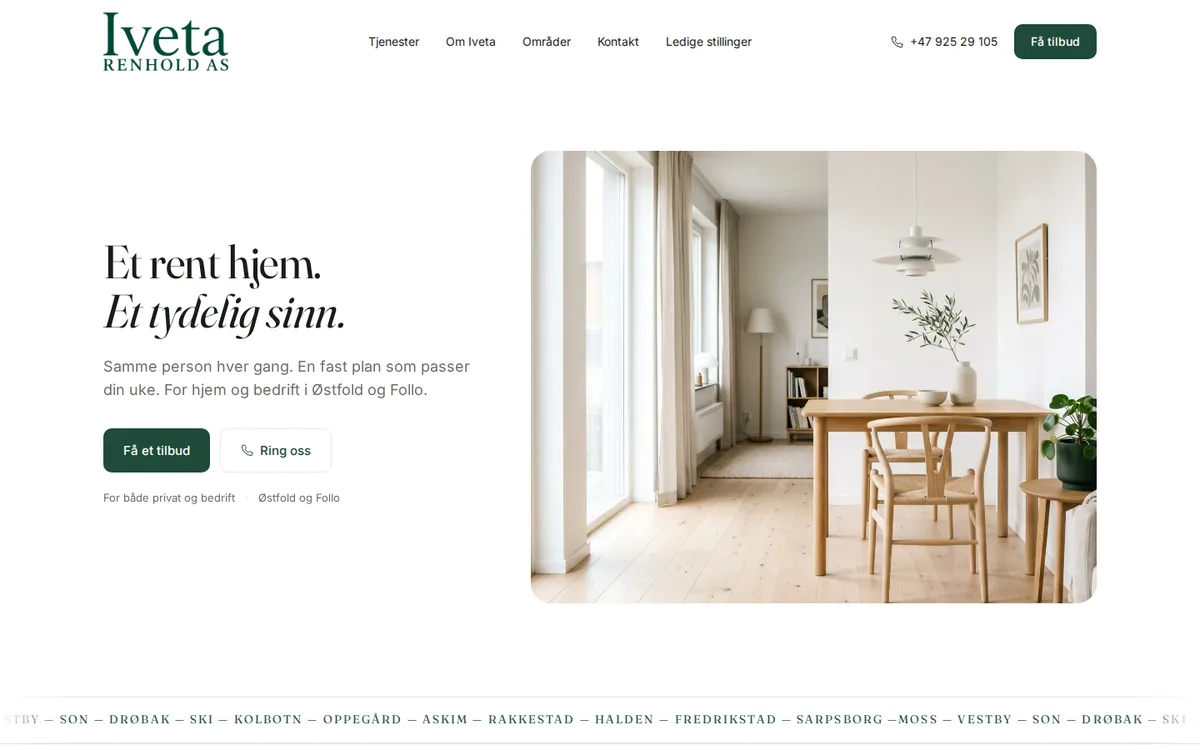
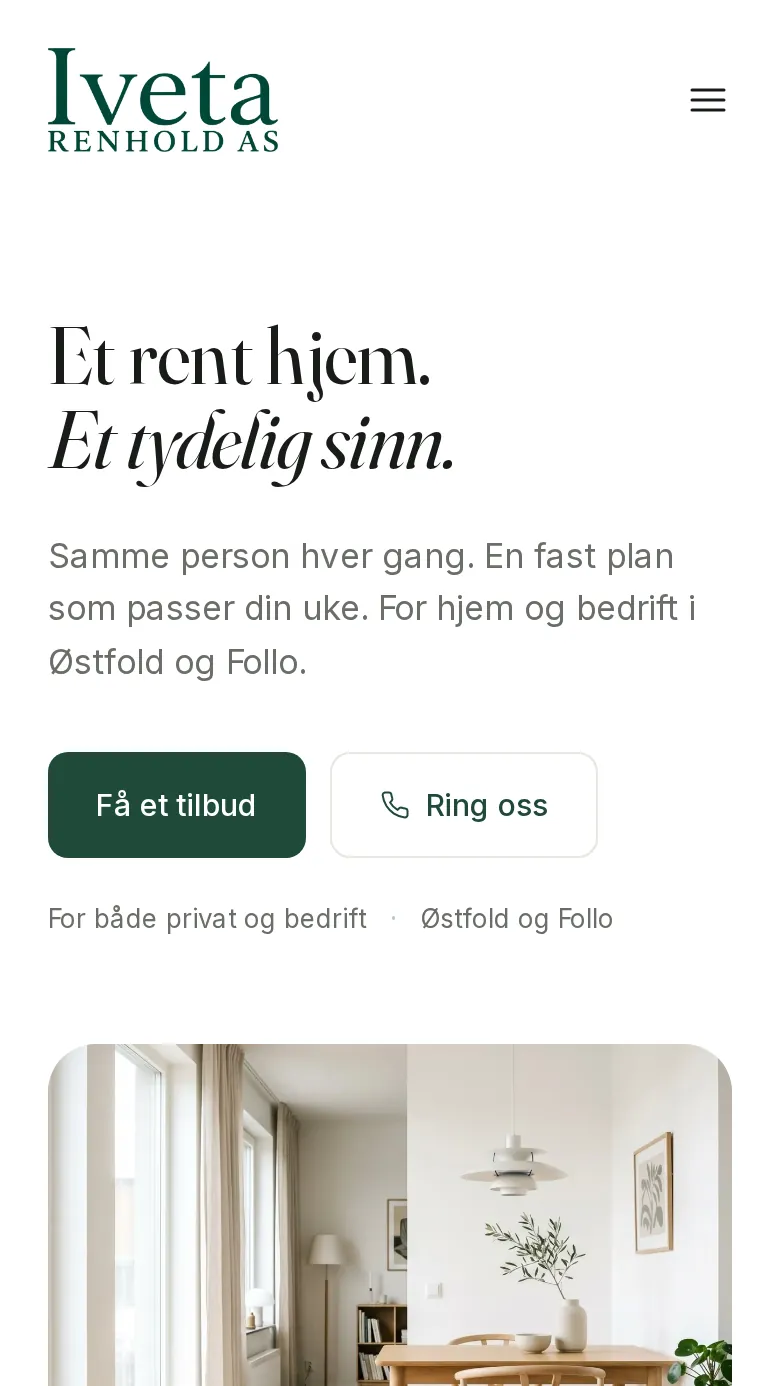
Iveta Renhold
Cleaning company website with a recruitment page and spam-protected forms.
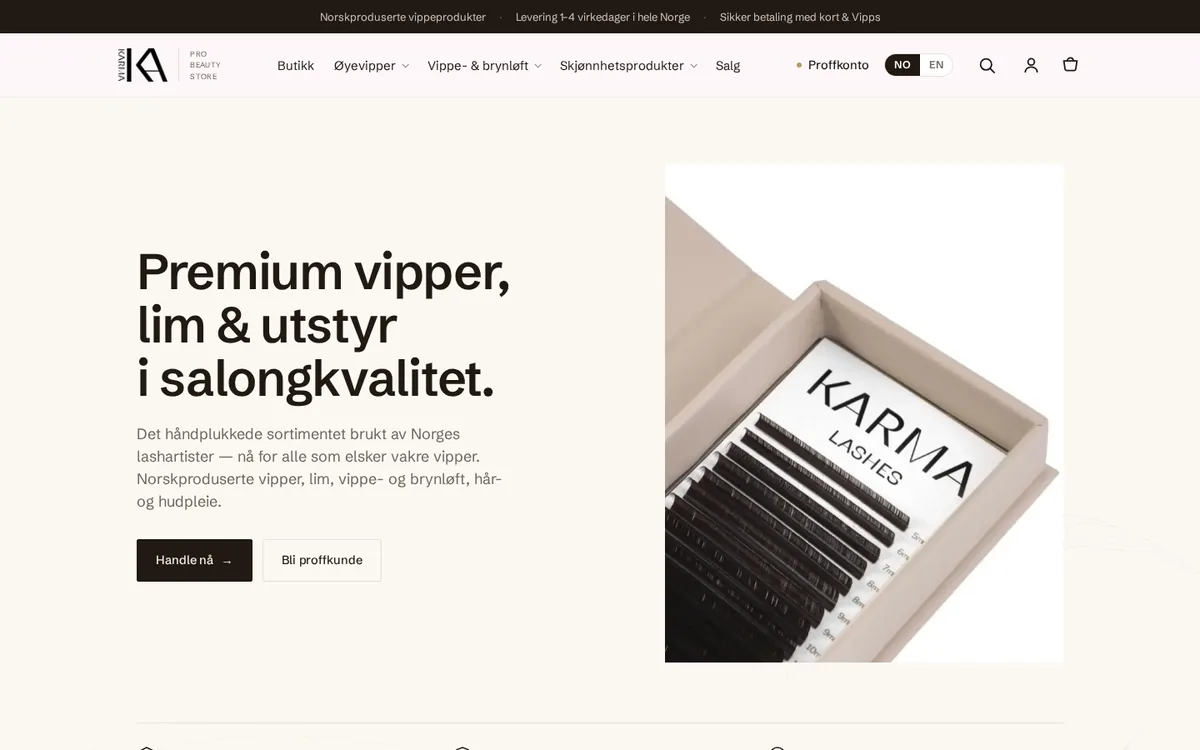
Karma Pro Beauty Store
Lash-extension webshop, for salons and private customers.
See the website of Karma Pro Beauty Store (opens in a new tab)Read about the project Karma Pro Beauty Store
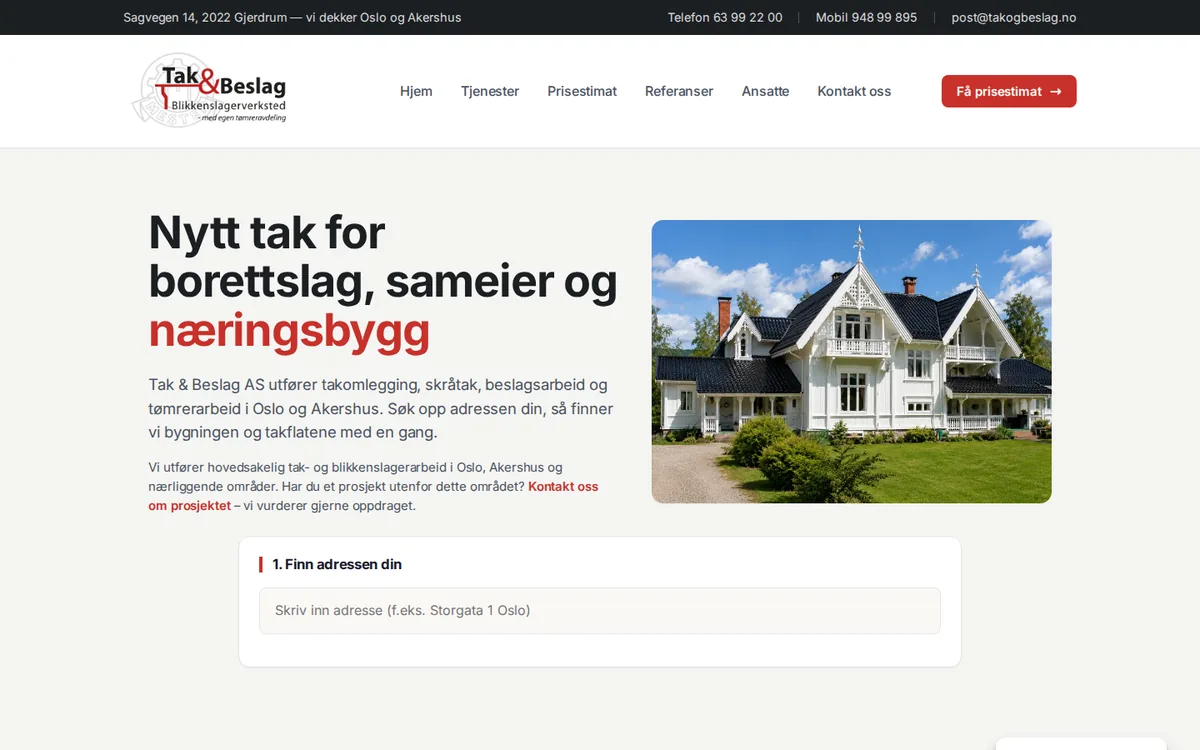
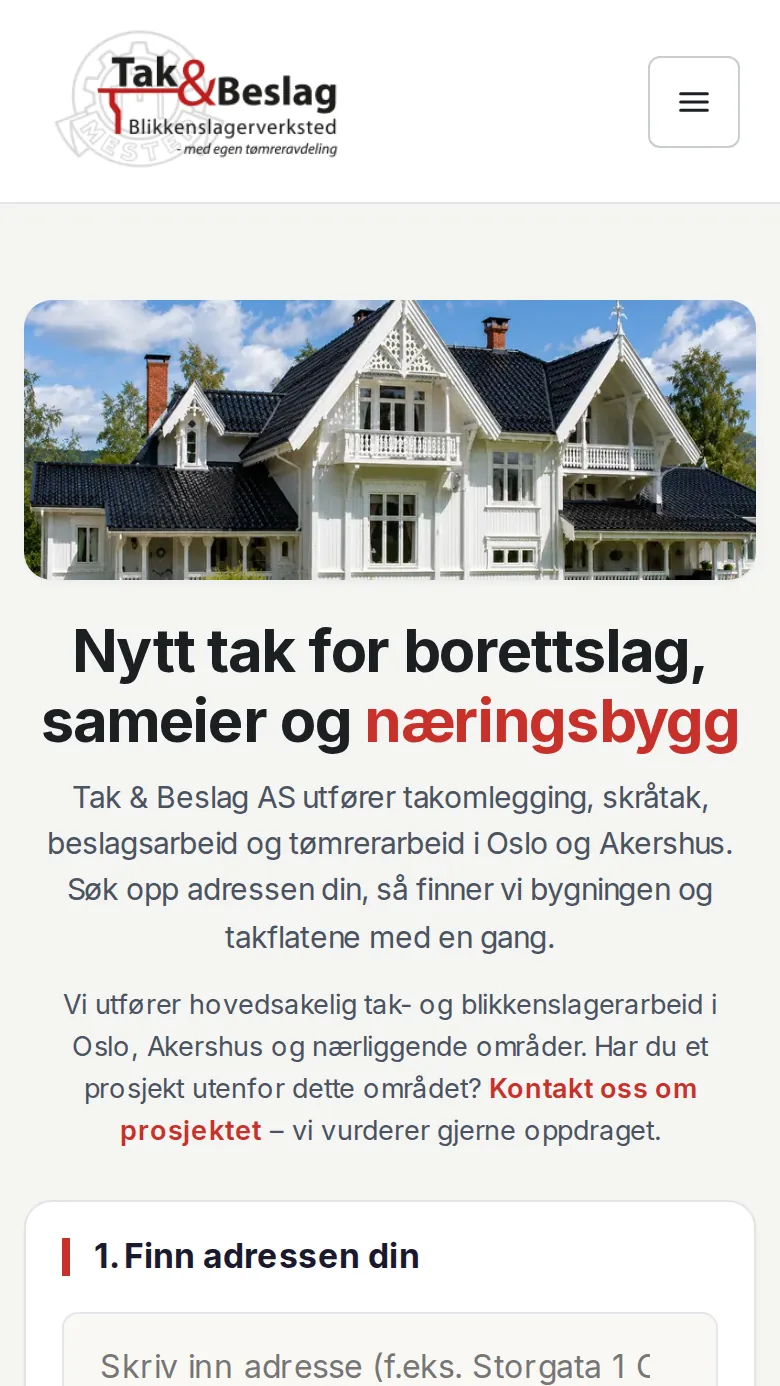
Tak & Beslag
A roof calculator that gives the customer a price estimate right on the page.
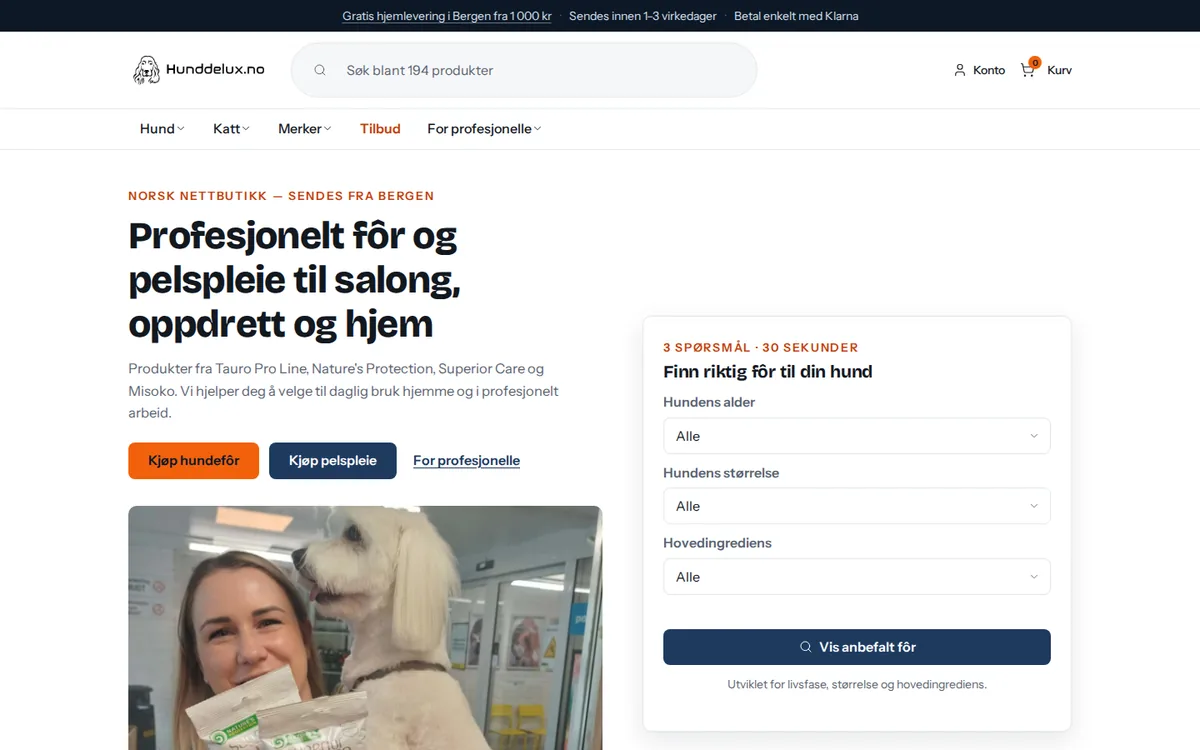
Hunddelux
Dog webshop with its own reseller side for salons and breeders.
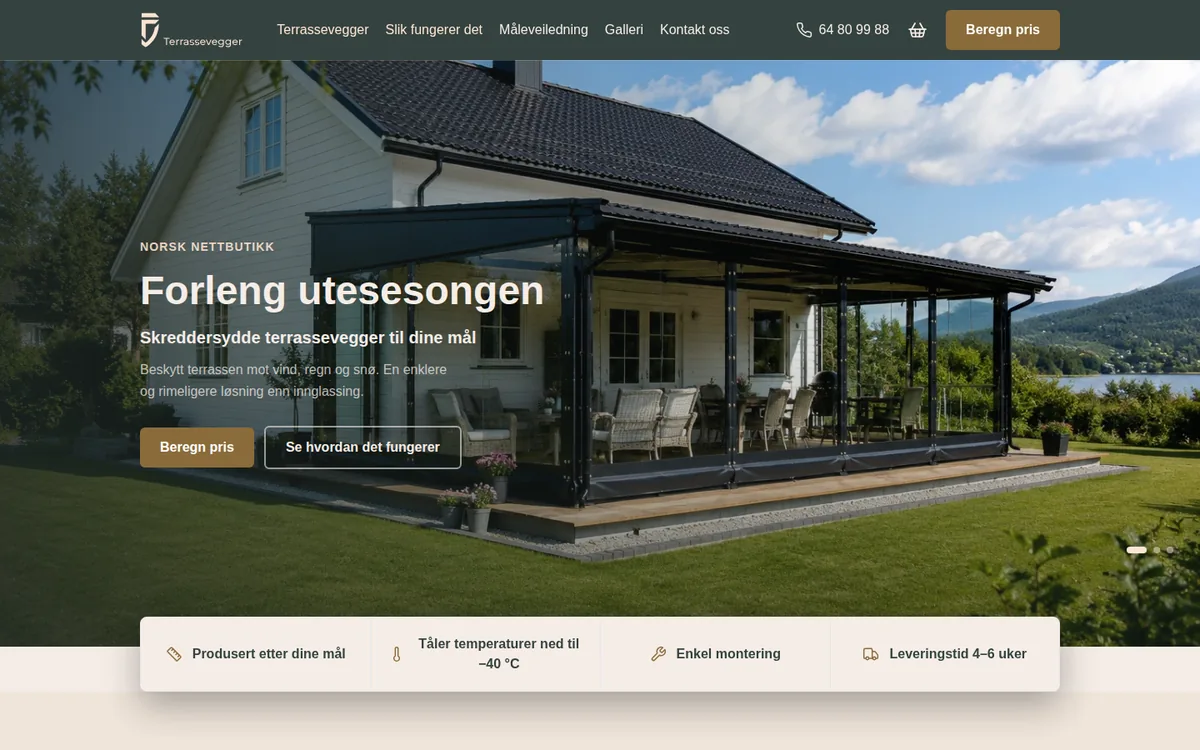
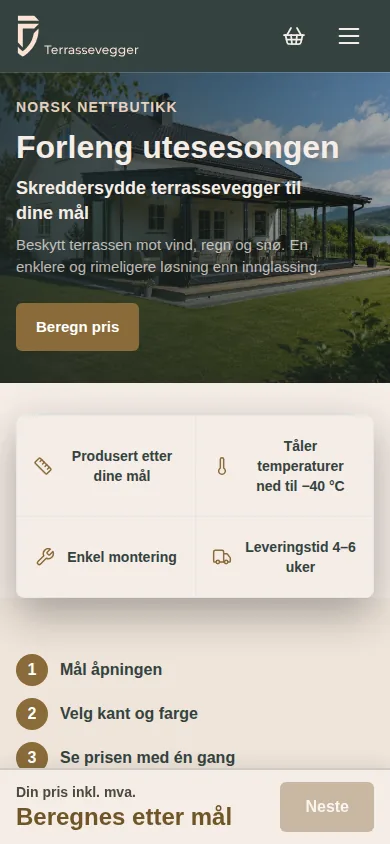
Terrassevegger
Made-to-measure terrace walls webshop, with a price calculator.
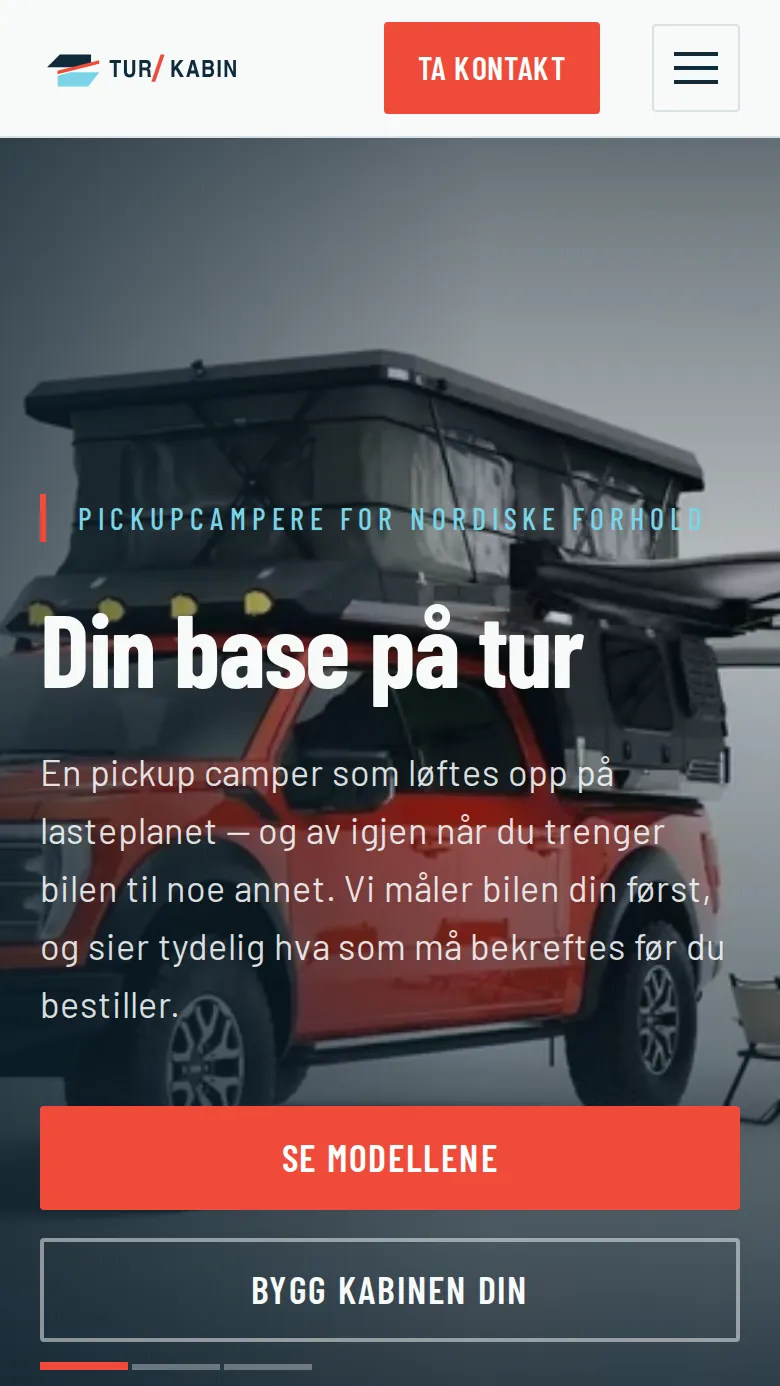
TUR/KABIN
Pickup-camper website — built and run by us.
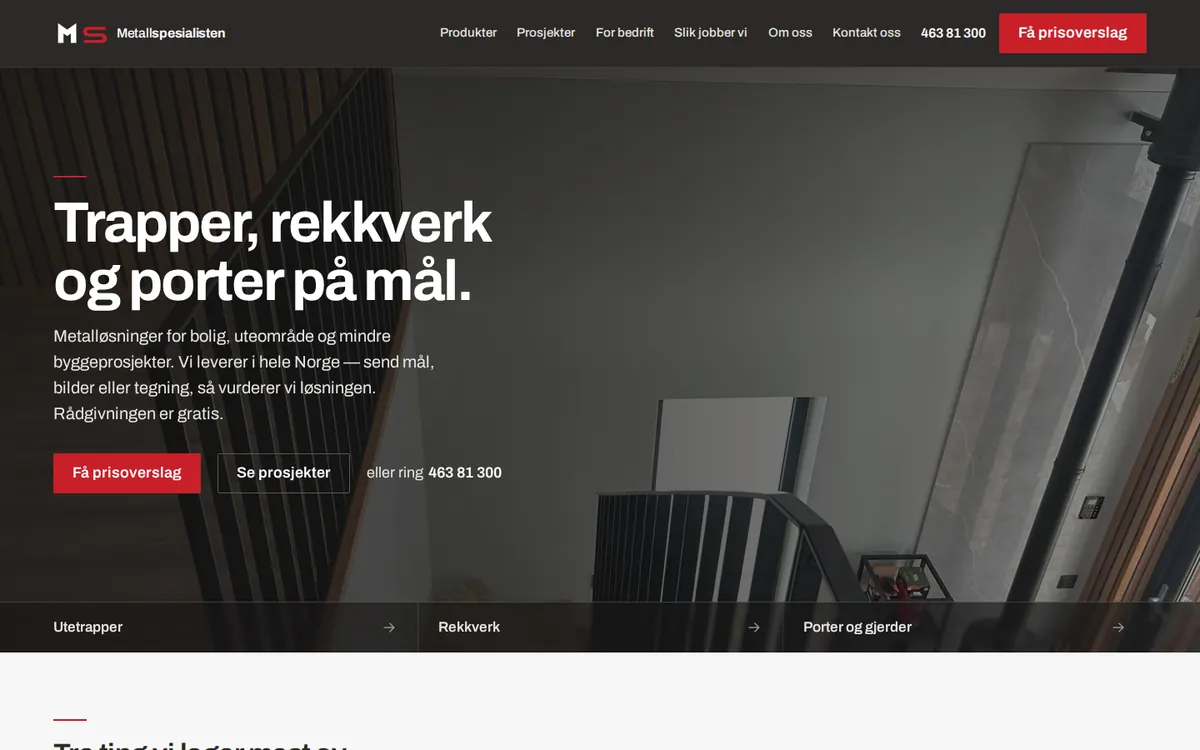
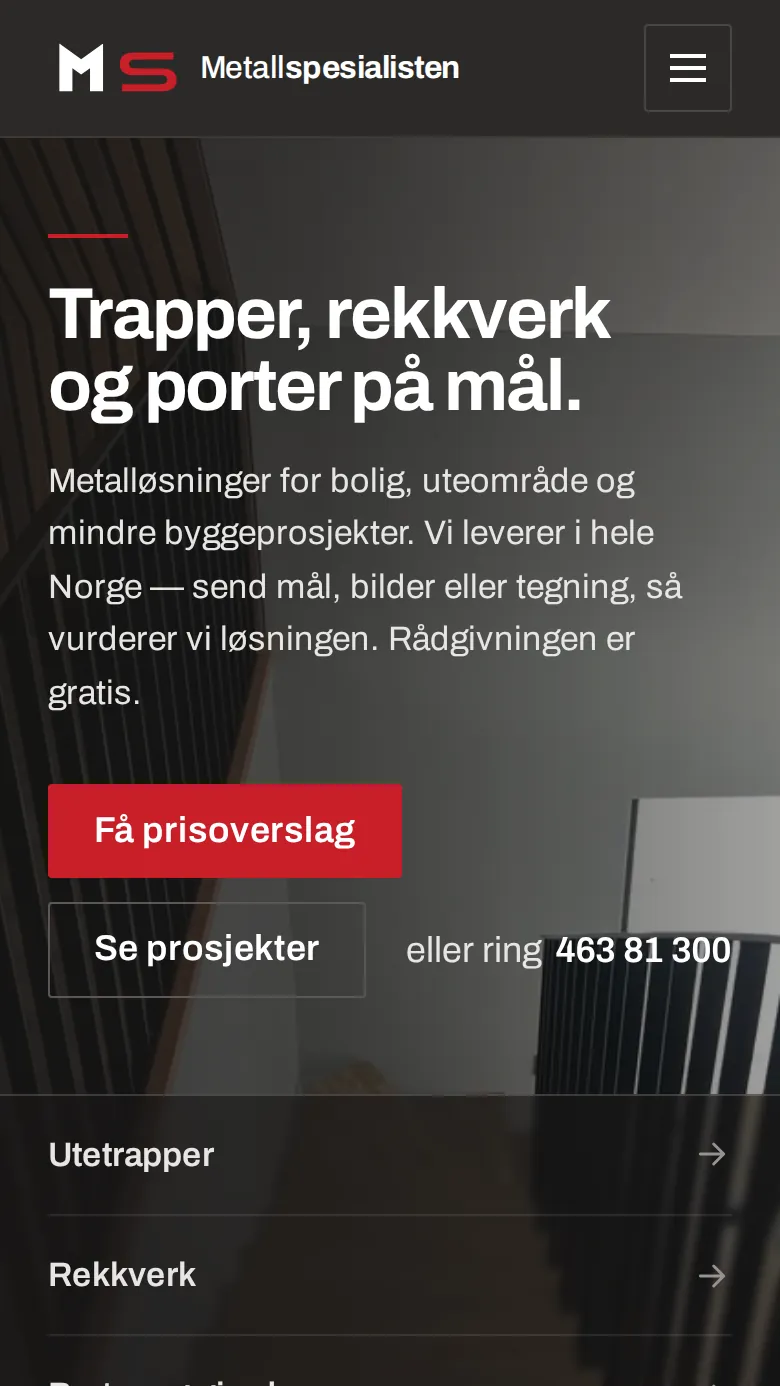
Metallspesialisten
Stairs, railings and gates made to measure — our own venture; site built and run by us.
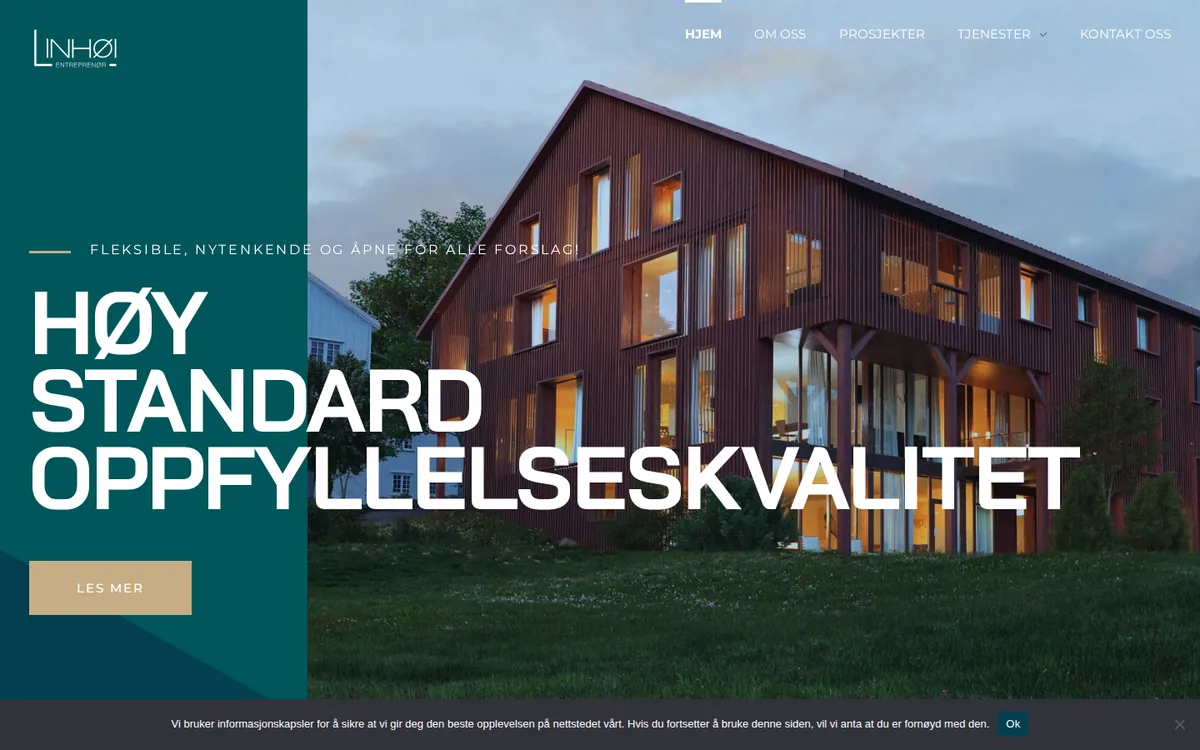
Linhøi Entreprenør
Project gallery with references — entered and maintained by us.




When nobody updates the site
The updates pile up
Nobody dares press update, and robots look for the known security holes.
Something stops working quietly
The web host upgrades, and the form or the checkout fails without you getting a warning.
The customers notice first
Google shows warnings, or a customer tells you, and by then the job is bigger.
What we do
Safe updates
We take a backup, update and check that the front page, the forms and the checkout work. If something goes wrong, we put back the previous version.
Backups that have been tested
The copies are stored somewhere other than the web host, and we try restoring them. Then we know they work before you need them.
We check that the forms work
We keep an eye on the site being up, and send test enquiries through the forms. What is checked, and how often, is written in the agreement.
Security, domain and small changes
A login per person, spam protection and the domain in the company’s name. If you need new opening hours or a new photo, you send a message.
Questions we often get
What is included in a website care agreement?
Updates, backups, monitoring, security and small changes. With us it is written down what is checked, how often, and what counts as a small change. You get the proposal with scope and price before anything starts.
How often does WordPress need updating?
Security updates should go in shortly after they arrive, the rest regularly. Take a backup first and check the site afterwards. Waiting for months and updating everything at once is what most often breaks something.
Can you maintain a WordPress site someone else built?
Yes. We first go through the site, flag what is risky, and take a backup before we change anything. Much of what we look after was built by others.
What happens if the website gets hacked?
We lock the intruder out, put back a clean copy, close the hole and change the passwords. Afterwards we check that Google no longer shows warnings. If something is broken right now, go to technical help.
Who should own the company’s domain?
The company itself. The domain should be in the company’s name and organisation number, with an e-mail address you have access to. If it sits with a former supplier, it can be hard to move or renew.
How do I move the domain to another provider?
You order the move at the new provider and give them a code. For a Norwegian .no domain, that is either a transfer code from the old provider, who cannot charge for it, or a one-time code sent to the e-mail address registered on the domain. First find out where the e-mail and the website live, because the settings that run them can disappear in the move. We plan the order, so the e-mail does not stop.
Our WordPress site runs on a server version that stops getting security fixes after 2026. What does that mean?
The software that runs many WordPress sites gets no more security fixes after 31 December 2026, and new versions of WooCommerce require a newer version. The site should be moved to a newer version, tested first.
Does Microsoft back up our e-mail and files?
Only partly. Microsoft keeps the service running and keeps deleted content for a limited time, but that is not a backup you control yourselves and can restore from far back. If something is deleted by accident or damaged, it can be too late when it is discovered. That is why we recommend a separate backup of e-mail and files, which we try restoring regularly.
Want someone to look after the website?
Send the address of the site and say what it is used for. You get a written proposal with scope and price.