

Your Google Business Profile, set up right and on an account you own
Your Google Business Profile is what customers see in the map and next to the search results: opening hours, phone, photos and reviews. We create the profile, or help you get back one that exists, show you how to verify it, and fill everything in correctly. For small businesses in Norway that want to be found where they work.
What is included
The profile in place
Create the profile, or get back the one that exists
If the profile already exists, we request access the proper way. If it sits with a former employee or an old agency, we show you the way back. The profile always sits on a Google account the business owns, and we are added as a manager.
Verification, prepared
Google chooses how the business is verified, often with a short video. You have to do that yourself, but we tell you exactly what the video should show, so you do not have to record it again.
The right name, category and services
The name as it is on your sign, without search words. One precise main category and as few extra ones as possible, as Google asks. Your services described in the words customers use.
Opening hours and public holidays
Your normal opening hours, and special hours for Christmas, Easter and other public holidays entered before the days arrive. Google recommends confirming holiday hours even when they are the same as usual.
Photos that show the business
Real photos of the premises, the van, the people and the work. No stock photos.
Reviews and what you can measure
A link and QR code for reviews
A link that opens the review form directly, and a QR code for the counter, the van or the receipt. You also get a simple habit: ask every customer the same way when the job is done.
The website link is tagged
Then you see how many people come to the website from the profile, and what they do there. The profile itself shows how many call, ask for directions and tap through to the website.
Posts, where the profile has them
News, offers and events in the profile. Google writes that some of these features are so far only available in some countries and industries, so we check what your profile gets.
The same answer everywhere
The same name, address and phone in the directories
We check Gule Sider, 1881, Proff, Bing and Apple Maps, and correct what is wrong where the business can correct it itself. If a directory takes its details from another register, we tell you where the error has to be fixed.
The website says the same as the profile
Name, address, phone and opening hours are on the website, and are also added in a way Google can read directly. Then Google gets one answer, not two.
Afterwards, if you want: we look over the profile every month
A regular round each month
We look for changes Google or others have made to the profile, reviews waiting for a reply, holidays coming up and photos that should be replaced. You get a short written summary with the figures for calls and clicks. You can cancel whenever you like.
What you need to do yourself
Verify the business
Google requires the business itself, or someone representing it, to verify. Often it is a short video of the place, the equipment and something only the business has access to. Sometimes it is a phone call, an e-mail, a video call or a letter.
Give us access, not the password
You add us as a manager of the profile. Then you can take the access away again whenever you like.
Answer what Google sends you
If we request access to a profile someone else has, the e-mail goes to them. If you are the one who gets such an e-mail, you must answer within the deadline.
Give us the right details
The name as it is on your sign, the address or the areas you take jobs in, the opening hours and which days you are closed.
Ask your customers for a review
The link makes it easy, but you are the one who meets the customer. Ask everyone the same way, and reply to the reviews, the bad ones too.
How we do it
You describe the business
The name, the address or the areas you cover, and the link to the website. We see whether the profile exists, and who has it.
You get a written proposal
What we do, what you must do yourself, and the price before anything starts.
The profile ends up on the right account
New, or recovered, on a Google account the business owns. We are added as a manager, never with your password.
You verify the business with Google
We prepare you for what Google asks for. Google writes that the review can take up to five business days.
We fill in and correct
Category, services, opening hours, holidays, photos and link, and the same in the directories and on the website.
You get the review link
With a QR code and a short list of everything that has been done. If you want, we look after the profile every month afterwards.
What we have done for our customers
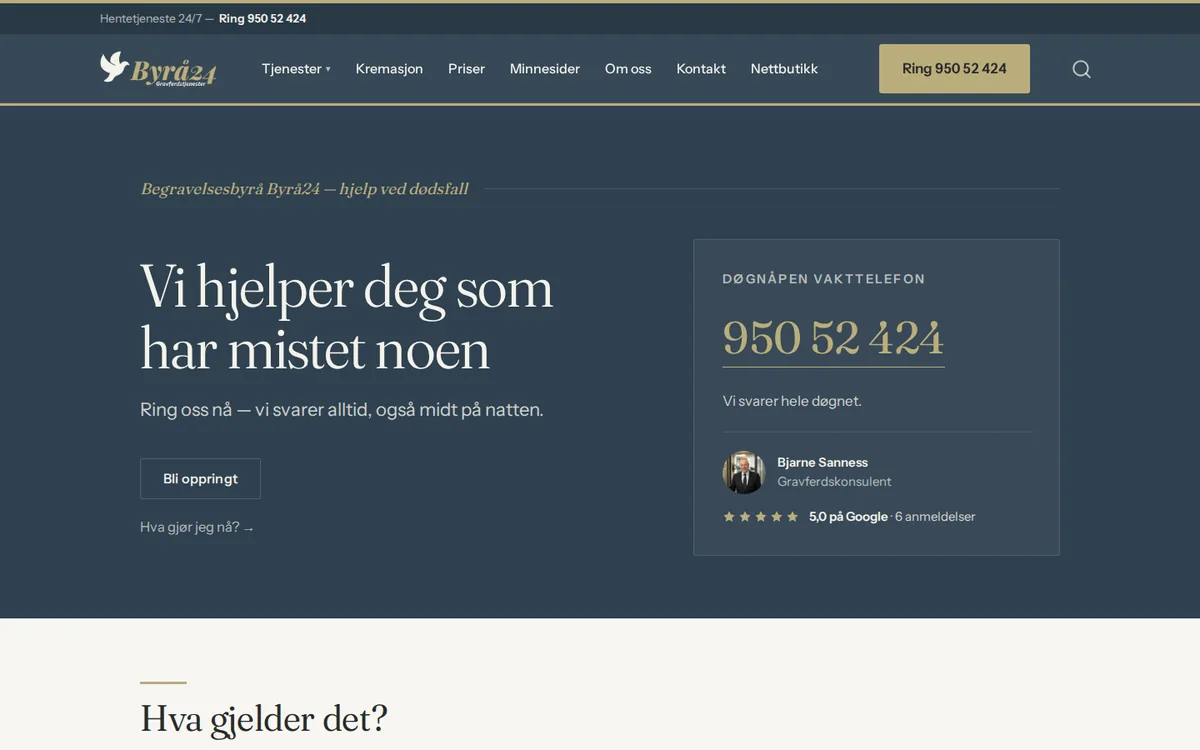
Byrå24
The website tells Google the name, address, phone, that the funeral home is open around the clock and which municipalities it covers, in a way Google can read. We also found the link where families can write a review directly.
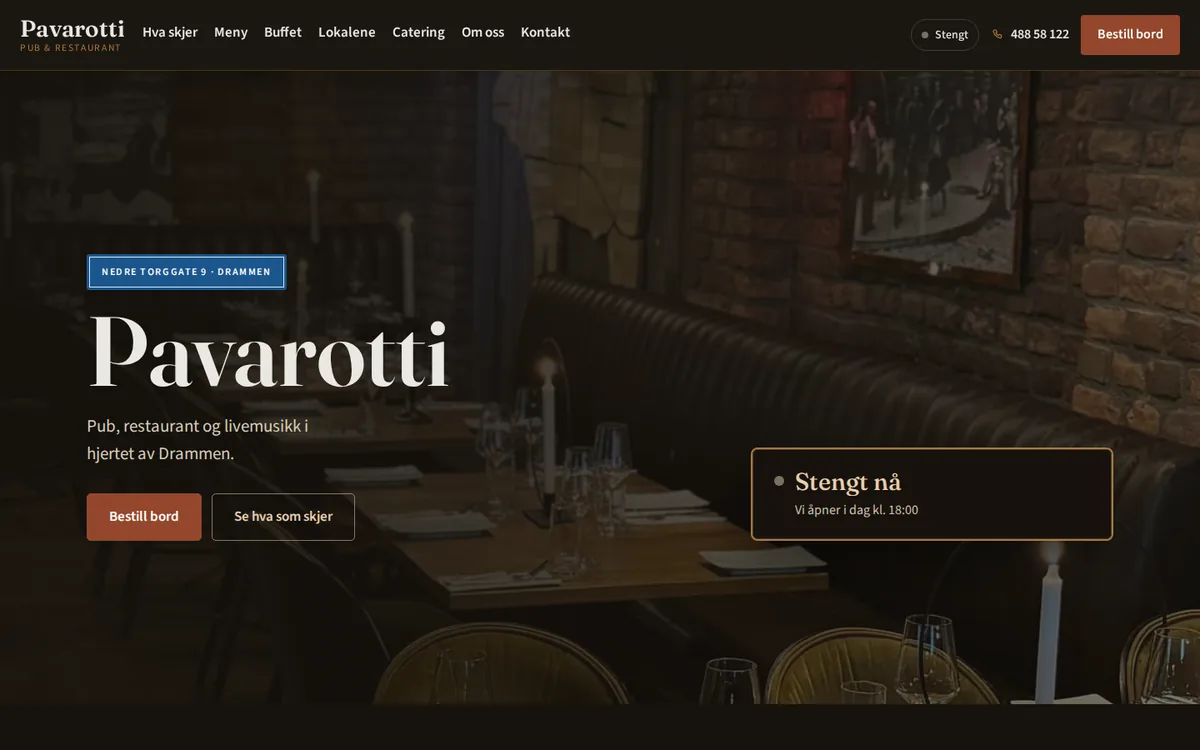
Pavarotti Pub
The website tells Google the address, phone and the opening hours for each day in a way Google can read, so the search results and the website say the same.
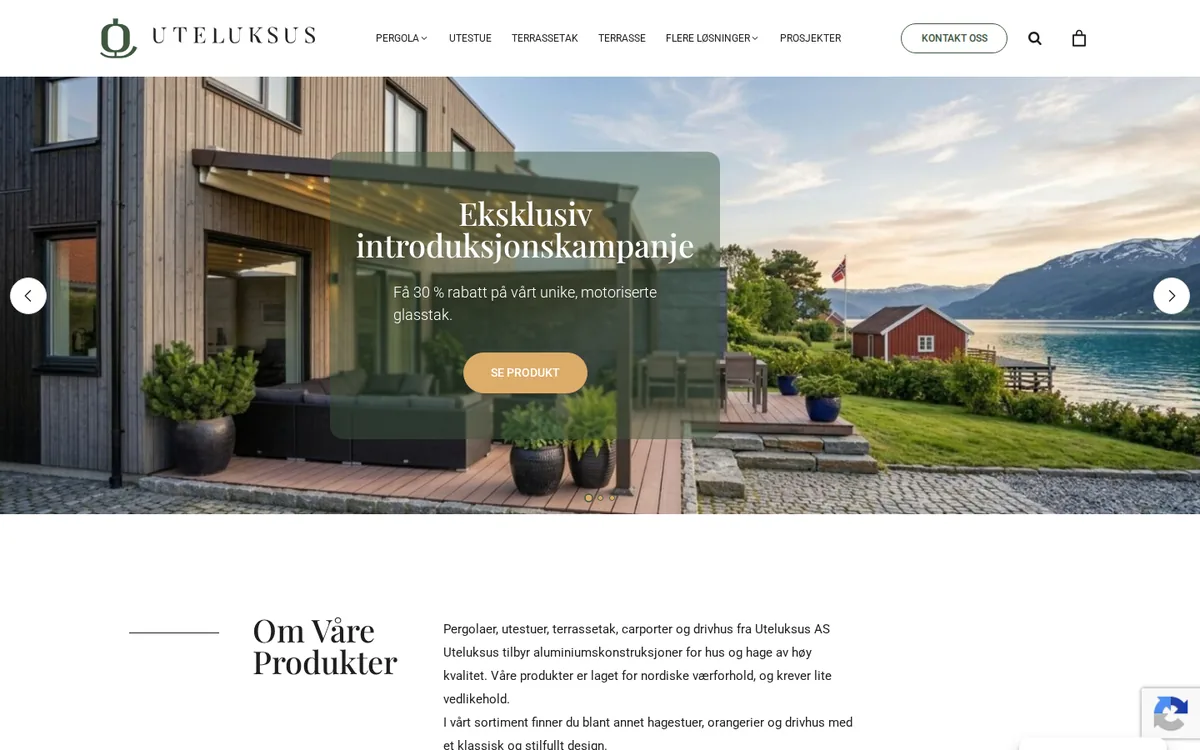
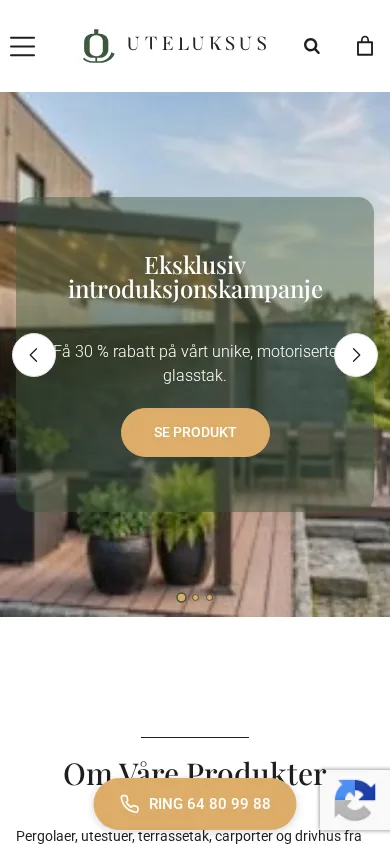
Uteluksus
We have checked that the Google profile is linked to the ad account, so the ads can show the address from the profile.
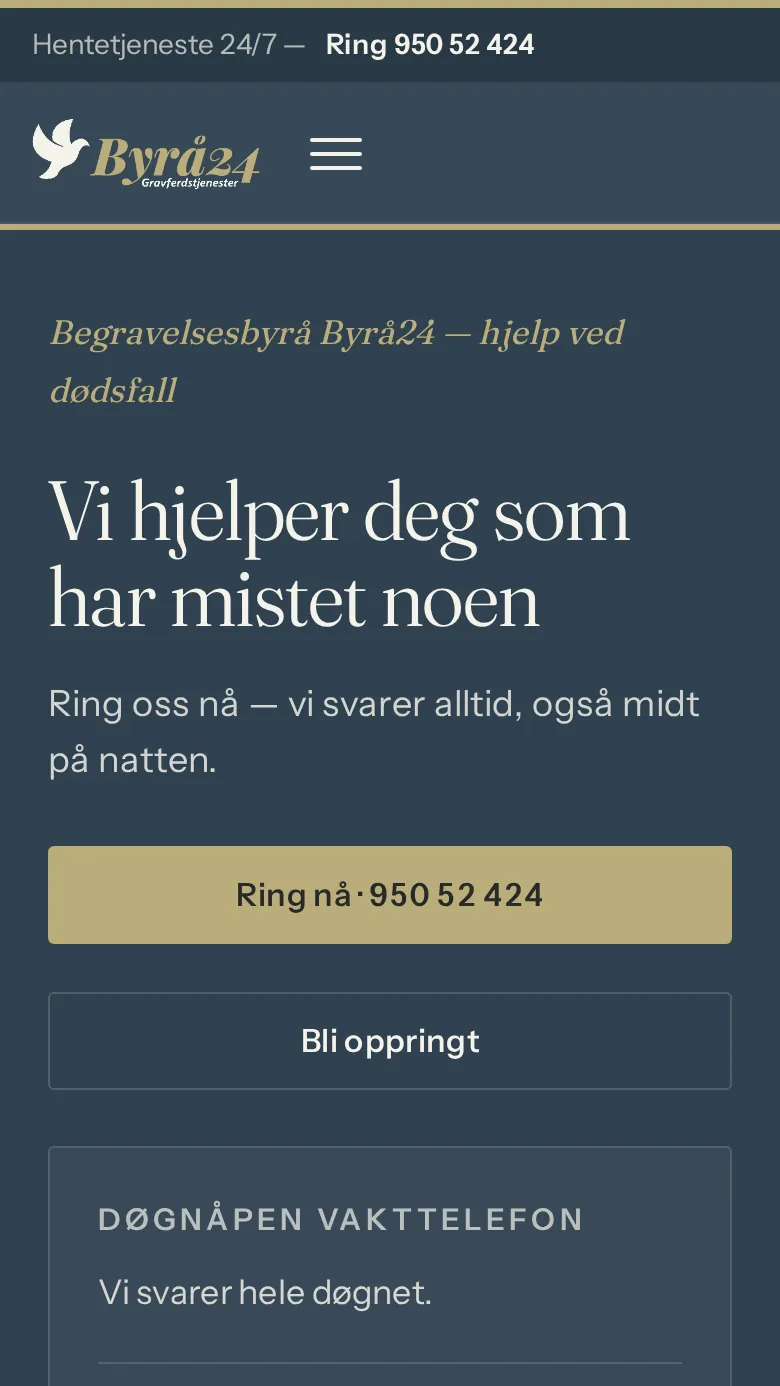
Byrå24
A mobile layout where the phone number is the first action on the screen.
See the website of Byrå24 (opens in a new tab)Read about the project Byrå24
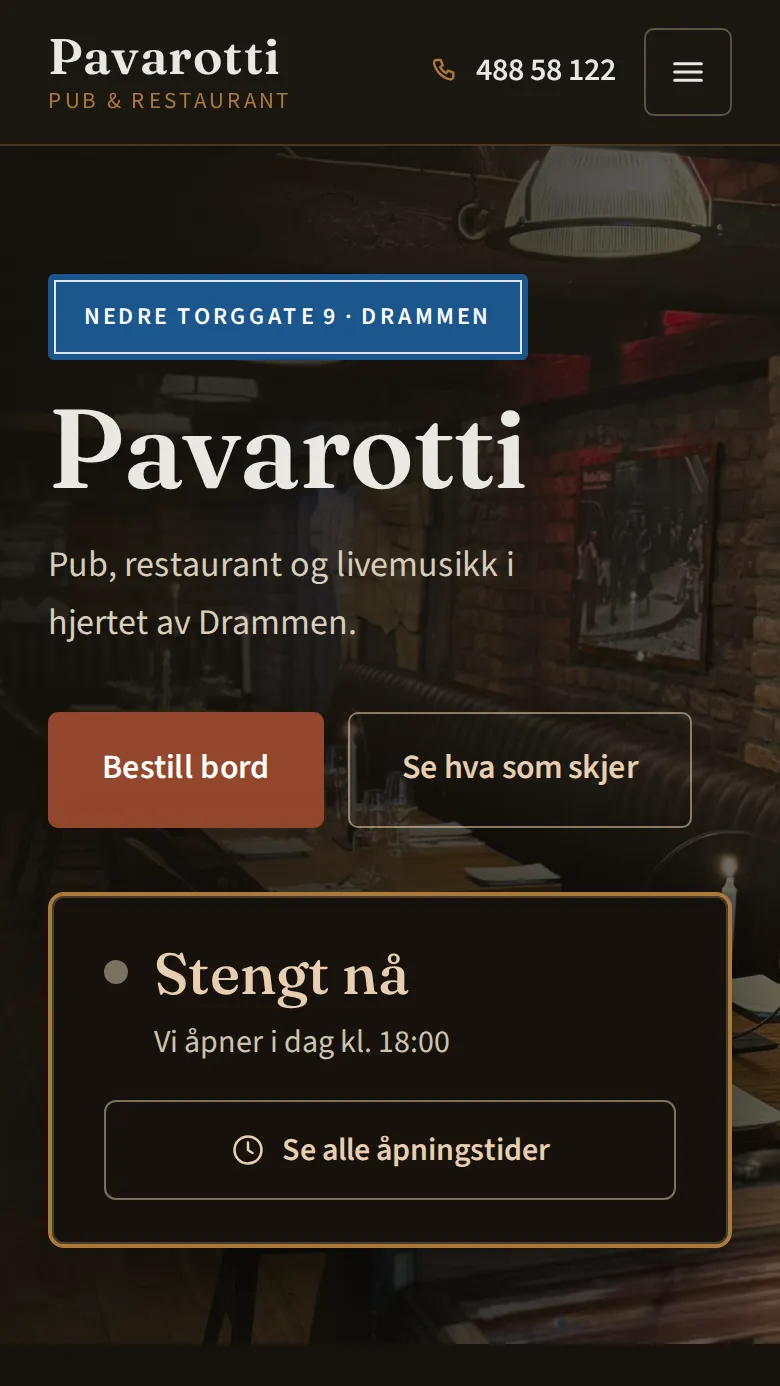
Pavarotti Pub
Buffet and Christmas-party booking that follows the kitchen’s hours — approved by staff before the guest is answered.
See the website of Pavarotti Pub (opens in a new tab)Read about the project Pavarotti Pub
Uteluksus
The gallery page went from 26 MB to 3.3 MB — measured by us on 1 September 2026.
What we find most often
Nobody knows who owns the profile
A former employee or an agency created it, and the access left with them. Then we start by finding out who is listed as the owner, before anything else.
The profile and the website say different things
We have seen a profile with an old address while the website had the new one. Then we hold back ads that show the profile’s address until it is corrected, so customers do not drive to the wrong place.
Two profiles for the same business
Then the reviews are split between them, and neither profile looks as good as it could. One of them has to be removed or merged.
What nobody can promise, and what we do not do
Nobody can promise you first place in the map
Google ranks by how well the profile matches the search, how far away the customer is, and how well known the business is. Google itself writes that there is no way to request or pay for a better ranking. We make the profile correct and complete, and show you the figures afterwards.
We do not create an address you do not have
An office where nobody works, a PO box or a shared office without a sign and staff does not give the right to a profile. If you drive out to your customers, you hide the address and show the areas you cover instead.
We do not buy or write reviews
Nor do we give customers discounts or gifts for writing one, and we do not ask only the happy ones. All of this is against Google’s rules.
No search words in the name
“Nordmann Rør AS” is right. “Nordmann Rør AS plumber Oslo 24-hour service” can get the profile suspended.
Questions we often get
How do I create a Google Business Profile?
The profile is free. You create it on Google’s page for business profiles with a Google account the business owns, not your private one. Then you add the name, category, address or the areas you cover, phone and website, and verify that the business is yours. The profile only shows once the verification has been approved.
How do I get access to a Google Business Profile someone else created?
Search for the business on Google’s page for adding a business, choose it and request access. The person who owns the profile gets an e-mail and has three days to answer. If nobody answers, you can often claim the profile yourself by verifying the business, but Google writes that this is not always possible. If the owner refuses, you can appeal to Google.
How do I verify my business on Google?
Google chooses the method, and you cannot change it. Often it is a short video where you show the place, equipment or something with your logo, and something only the business has access to. Other times it is a phone call, an e-mail, a video call or a letter. Google writes that the review can take up to five business days.
How do I get more reviews on Google?
Ask every customer the same way when the job is done, with a link or QR code that opens the review form directly. You are not allowed to give discounts or gifts for a review, and not allowed to ask only the happy customers. Reply to the reviews you get, the bad ones too, calmly and concretely.
Why is my business not showing on Google?
The most common reasons are that the profile is not verified, that a change is being reviewed by Google, or that the profile has been suspended. If it is in order, what decides is how well it matches the search, how far away the customer is and how well known the business is. A precise category, correct details, photos and a steady flow of reviews help. There is no way to pay Google for a better place in the map.
How do I change the address in my Google Business Profile?
You change the address when you edit the profile. If the business moves after the profile has been verified, you must verify it again, and Google reviews the change before it shows. If you do not receive customers at the address, you should remove it and show the areas you cover instead.
Is Google My Business the same as Google Business Profile?
Yes. Google My Business is the old name. Today it is called Google Business Profile, and you edit it straight from Google Search or Google Maps when you are signed in with the account that owns the profile.
What does it cost to get help with the Google Business Profile?
The profile itself is free at Google. The work depends on whether the profile must be created or recovered, whether there are duplicate profiles, how many directories need correcting, and whether the website must change to match the profile. You get a written proposal with scope and price before anything starts.
The rules and time limits come from Google's own help pages, read 1 October 2026: Guidelines for representing your business on Google · Request ownership of a Business Profile · Verify your business on Google · Special hours and holidays · Fake engagement in reviews · How Google ranks local results.
Want the profile right from the start?
Send us the name of the business and the link to the website. You get a written proposal with what needs doing, what you do yourself, and the price before anything starts.